> ## Documentation Index
> Fetch the complete documentation index at: https://doc.soleaspay.com/llms.txt
> Use this file to discover all available pages before exploring further.
# History
For easy reconciliation and auditability, you can always see detailed financial statements of your wallets.
Every single transaction affecting your balance is recorded on the statement.
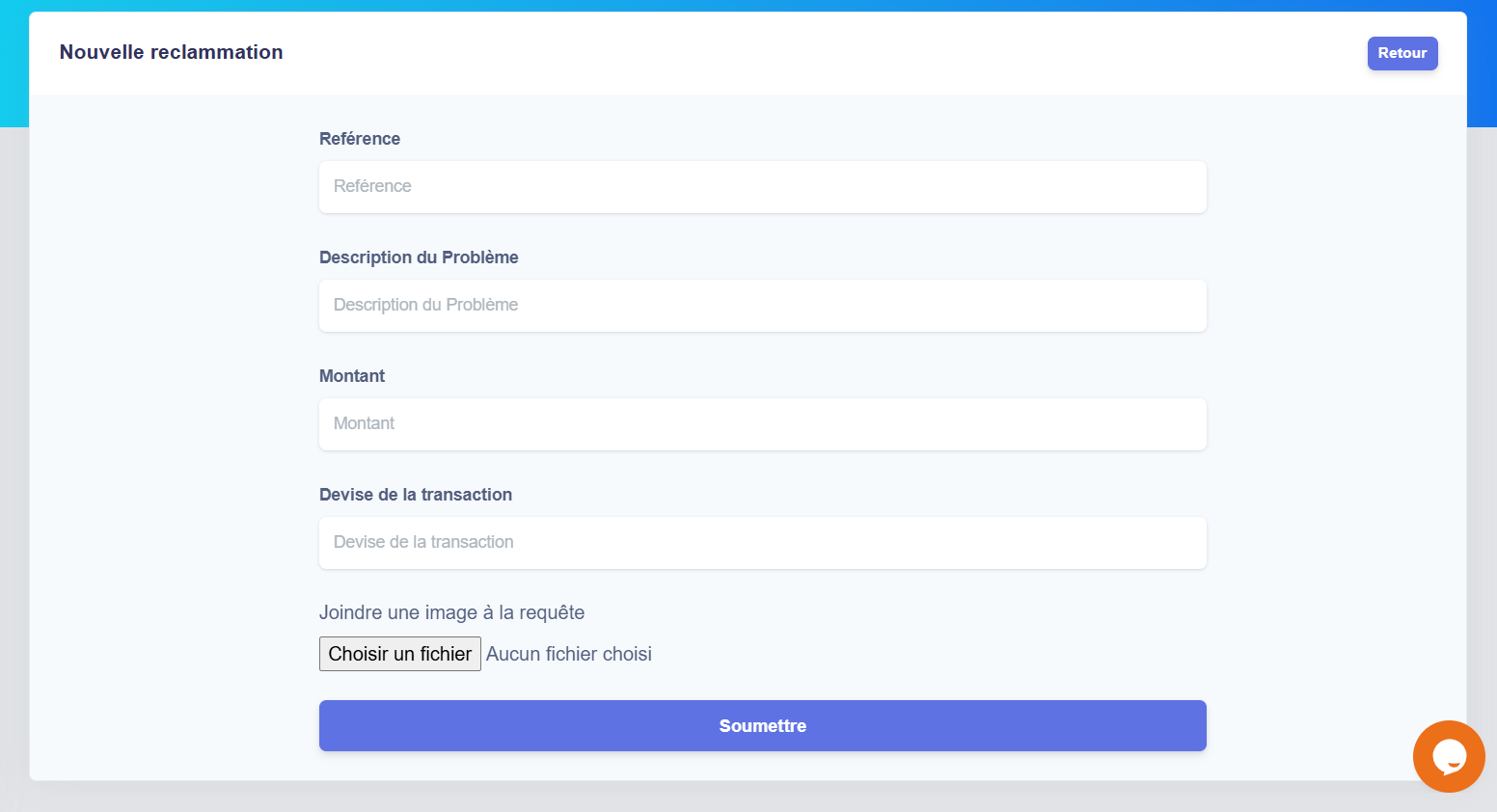
## Reclaim a transaction
Pressing on "Signale a problem" will help you to claim a transaction
 used this form to claim a transaction that you have maked.