> ## Documentation Index
> Fetch the complete documentation index at: https://doc.soleaspay.com/llms.txt
> Use this file to discover all available pages before exploring further.
# Wallets
On the SoleasPay platform, all of your mobile money is stored in wallets. In most cases, wallets
are issued per country and hold all your available mobile money in that country.
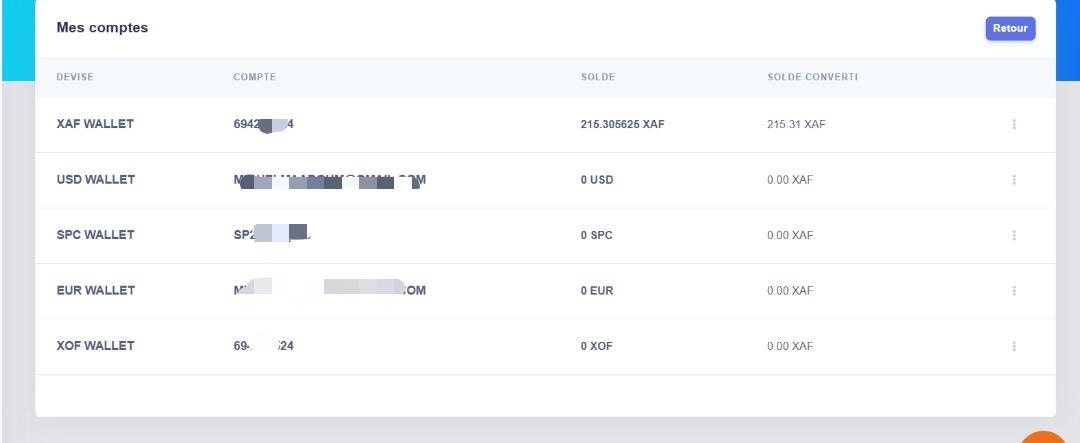
On the Wallets page, you can see running balances of all your wallets and also have an option to
choose a breakdown of those wallets to see what kind of transactions have occurred.
## Balance overview
In the balance overview section of the page, you can see each of your wallets and their:
1. Currency
2. Account
3. Balance
4. Convert Balance